


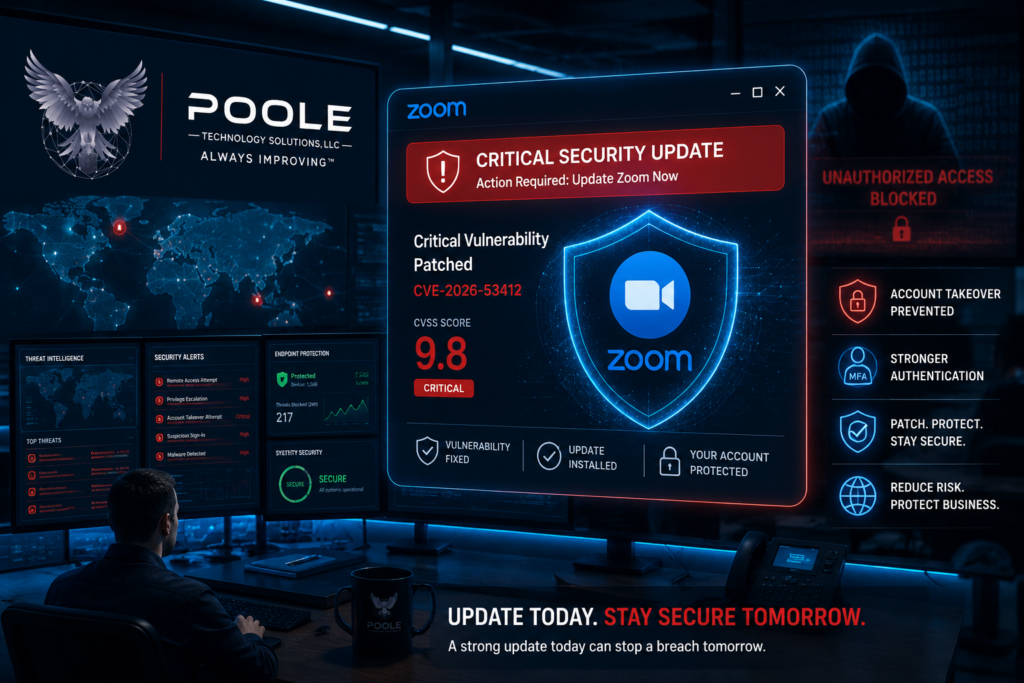
Why Every Business Using Zoom Should Update Immediately
Video conferencing has become an essential business tool, enabling organizations to collaborate with employees, customers, vendors, and partners worldwide. Unfortunately, collaboration platforms continue to be attractive targets for cybercriminals because they often provide direct access to corporate identities and sensitive business conversations.
This week, Zoom released emergency security updates to address a critical vulnerability (CVE-2026-53412) affecting Windows-based Zoom clients. The vulnerability received a CVSS score of 9.8 out of 10, making it one of the highest severity ratings possible. According to Zoom, successful exploitation could allow an unauthenticated attacker to remotely take over a user’s Zoom account through network access. While there are currently no reports of active exploitation, organizations should treat this vulnerability with urgency and apply the latest updates immediately.
Understanding the Vulnerability
The vulnerability stems from an improper input validation weakness within several Windows-based Zoom products. Input validation flaws occur when software fails to properly verify data received from external sources before processing it. Attackers frequently abuse these weaknesses to manipulate application behavior in unexpected ways.
The affected products include:
- Zoom Workplace for Windows
- Zoom VDI Client for Windows
- Zoom Meeting SDK for Windows
Zoom has intentionally limited the technical details surrounding the flaw to reduce the likelihood of widespread exploitation before organizations have an opportunity to patch affected systems.
Why Account Takeover Is So Dangerous
Unlike vulnerabilities that simply crash an application, an account takeover can provide an attacker with access to the victim’s trusted identity.
If successfully exploited, attackers may be able to:
- Impersonate employees during meetings
- Access confidential business conversations
- View shared documents and recordings
- Gather intelligence for future phishing or Business Email Compromise (BEC) attacks
- Abuse trusted user accounts to move deeper into an organization’s environment
Because Zoom is frequently integrated with Microsoft 365, Google Workspace, calendars, chat platforms, and Single Sign-On (SSO) environments, compromising one collaboration platform can become the first step in a much larger attack chain.
Additional Vulnerabilities Patched
Zoom also addressed several additional high severity Windows vulnerabilities alongside the critical account takeover flaw, including:
- Privilege escalation vulnerabilities
- Race condition vulnerabilities during installation and uninstallation
- Improper privilege management within Zoom Rooms
While these issues require different attack conditions, together they reinforce the importance of keeping collaboration software fully updated.
Best Practices for Businesses
Whether your organization has ten employees or ten thousand, these security practices can significantly reduce your exposure.
Update Immediately
Ensure every Windows endpoint running Zoom is upgraded to the latest supported version.
Patch management remains one of the most effective cybersecurity controls available.
Enable Multi Factor Authentication (MFA)
If an attacker somehow obtains account credentials, MFA provides another layer of protection that can prevent unauthorized access.
Use Single Sign-On (SSO)
Centralized identity management allows organizations to enforce stronger authentication policies, conditional access rules, and rapid account disablement when needed.
Limit Administrative Privileges
Users should not routinely operate with local administrator rights. Least privilege reduces the impact of many software vulnerabilities.
Monitor Endpoint Health
Use endpoint detection and response (EDR) or antivirus solutions capable of identifying suspicious behavior related to privilege escalation or abnormal application activity.
Train Employees
Employees should understand:
- Why software updates matter
- How to recognize phishing attempts
- Why unexpected Zoom update prompts should be treated carefully
- How to report suspicious activity quickly
Maintain an Asset Inventory
Organizations cannot protect systems they do not know exist. Maintaining an accurate inventory ensures vulnerable software can be identified and patched rapidly.
What This Means for Small Businesses
Many small businesses assume attackers only target large enterprises.
Unfortunately, cybercriminals often prefer smaller organizations because they frequently:
- Delay software updates
- Have fewer IT resources
- Lack centralized patch management
- Have limited security monitoring
A single compromised collaboration account could expose customer information, financial discussions, legal documents, healthcare conversations, or intellectual property.
Security is no longer just about protecting servers. It is about protecting the identities employees use every day.
How Poole Technology Solutions Can Help
At Poole Technology Solutions, we help small and medium sized businesses strengthen their cybersecurity posture without the complexity or cost often associated with enterprise consulting.
Our services include:
- Cybersecurity Risk Assessments
- Security Posture Reviews
- Email Security and Authentication (SPF, DKIM, DMARC)
- Vulnerability and Configuration Reviews
- Security Awareness Training
- Cybersecurity Governance aligned with NIST CSF 2.0 and CIS Critical Security Controls
- Incident Response Planning
- Regulatory Compliance Readiness for HIPAA, PCI DSS, IRS WISP, FERPA, and other applicable frameworks
Our goal is simple:
Help organizations identify risk before attackers do.
Final Thoughts
The Zoom vulnerability serves as another reminder that trusted business applications are valuable targets for cybercriminals. Organizations should never assume that widely used software is immune from serious security flaws.
The good news is that Zoom has already released security updates, and there are currently no confirmed reports of active exploitation. Organizations that patch promptly, enforce strong identity controls, maintain an accurate asset inventory, and follow a proactive cybersecurity program can significantly reduce their risk.
At Poole Technology Solutions, we believe cybersecurity should be proactive rather than reactive. Waiting until after an incident occurs often results in unnecessary downtime, financial loss, and reputational damage.
If you’re unsure how prepared your organization is, start with our FREE Cybersecurity Readiness Assessment. In just a few minutes, you’ll receive a high level evaluation of your organization’s current security posture, along with practical recommendations to help strengthen your defenses against vulnerabilities like this one and other common cyber threats.
Take your free assessment today at https://assessment.pooletechsol.com.
When you’re ready for a deeper evaluation, Poole Technology Solutions can help you identify risks, prioritize remediation efforts, improve compliance, and build a stronger cybersecurity program tailored to your business.
Visit https://www.pooletechsol.com or contact us at info@pooletechsol.com to schedule a comprehensive cybersecurity risk assessment.
Cybersecurity is not just about responding to threats. It’s about building resilience before attackers have the opportunity to strike.